This manual is for Canadians who want to access WeTheNorth for the first time — or who want to do it better than they have been. It assumes nothing. You don't need to have used a darknet market before. You don't need to understand Tor's architecture. You need to follow each step in order and not skip ahead.
WeTheNorth is invite-only, Canada-focused, and built around domestic shipping. That's its main advantage: no customs border, no international tracking, no seizures. But it still requires Tor Browser, a working .onion address, a verified account, and a funded wallet before you can do anything. This guide walks through each requirement.
Don't rush. Slow setup means fewer problems later. A 30-minute first session done correctly is worth more than five sessions done wrong.
Chapter 01
Getting Tor Browser
Download from the official source
The only legitimate download location is torproject.org. That's it. Not a mirror site, not a GitHub fork, not a link from a forum post. The Tor Project distributes signed installers for Windows, macOS, and Linux. Download the version for your operating system, verify the signature, then install.
Why does the source matter? Modified Tor Browser builds have been distributed by attackers who replace the browser's source routing code with surveillance hooks. These builds look identical to legitimate copies — same interface, same logo — but your traffic routes through attacker-controlled nodes. The signature verification step catches this. If verification fails, the file is compromised.
Search results for "Tor Browser download" include sponsored links from phishing domains. Don't click them. Type torproject.org into your address bar directly. EFF and Privacy Guides both maintain up-to-date guidance on safe Tor installation.
Verifying the download
The Tor Project signs every release with a GPG key. The verification process compares a cryptographic signature bundled with the installer against the Tor Project's published public key. If the signature matches, the file hasn't been altered since the Tor developers signed it.
Instructions for verification are on the Tor Project download page — each platform has a specific process. Windows users verify via the Tor Browser installer's built-in certificate. Linux users run gpg --verify against the provided .asc file. macOS users can use GPG Suite. The step takes under five minutes and eliminates the most common attack vector against darknet users: compromised browser builds.
Installation by OS
Windows: Run the installer, accept the default directory, and launch. No additional configuration needed at install time.
macOS: Open the .dmg, drag Tor Browser to Applications. On first launch, macOS may ask for security approval — allow it from System Settings → Security & Privacy.
Linux: Extract the archive, navigate to the directory, and run ./start-tor-browser.desktop. On Debian/Ubuntu, Tails OS includes Tor Browser pre-installed in an amnesic environment — the most secure option available.
VPN with Tor — read before you add one
A VPN before Tor (Tor over VPN) hides your Tor usage from your ISP and adds a layer between you and Tor's entry node. A VPN after Tor (VPN over Tor) is rare and generally discouraged. If you use a VPN, use one that doesn't log: Mullvad is consistently recommended by the privacy community because it accepts cash and has no account email requirement. Don't add a VPN if you don't understand the tradeoffs — Tor alone, used correctly, is sufficient for WeTheNorth access.
Chapter 02
Security configuration
Before you open a single .onion address, configure Tor Browser's security level. Default settings are not adequate for high-risk activity.
Setting Security Level to Safest
Click the shield icon in the toolbar — it's to the right of the address bar. Select "Change Security Settings." Set the level to Safest. This disables JavaScript on all non-HTTPS sites, blocks certain fonts, and disables several media types. The WeTheNorth interface works without JavaScript. Most darknet market UIs are designed for Safest — they render cleanly as HTML.

What JavaScript blocking does
JavaScript powers most browser fingerprinting. With JS enabled, a malicious page can determine your screen resolution, font list, timezone, installed plugins, and system language — all without asking for permission. Even through Tor, this fingerprint can narrow you down to a small group of users or, in some cases, identify you uniquely.
Blocking JS removes this attack surface entirely. Sites load slower and some features stop working. That's acceptable. You're not accessing WeTheNorth to watch videos — a functional HTML interface is all you need. The Safest level also blocks SVG filters and certain audio/video codecs used in fingerprinting attacks documented by EFF's Panopticlick research.
Browser fingerprinting risks
Don't resize the Tor Browser window. The default window size is shared by a large population of Tor users — shrinking or maximizing it creates a unique combination of dimensions that reduces your anonymity set. Don't install extensions. Each extension changes your fingerprint. Don't change the language setting. Run Tor Browser with its defaults, with Safest enabled, and your fingerprint is indistinguishable from thousands of other users.
If you want a fully isolated session environment, Whonix routes all traffic through Tor at the OS level. Qubes OS with a Whonix qube offers compartmentalized isolation. These are advanced setups — standard Tor Browser at Safest is sufficient for most Canadian WTN users.
Chapter 03
Accessing WeTheNorth
The right way to enter a WTN link
Get a verified WeTheNorth .onion address from a trusted directory — like the links on this page. Copy it. Don't type it. A .onion address is a 56-character string and one wrong character sends you to a phishing site that looks exactly like WeTheNorth.
Paste the address into Tor Browser's address bar and press Enter. The address bar should show the full .onion domain before you connect. Verify the address character by character against the known correct address if you have any doubt. Bookmark the correct address inside Tor Browser for future sessions — this is the most secure way to avoid typing errors.
Phishing warning
WeTheNorth phishing sites target Canadian buyers specifically. They replicate the WTN logo, layout, and login flow exactly. The only reliable way to tell them apart is the .onion address itself. Verify the address before you enter any credentials. One wrong character leads to a scam site that captures your username, password, and potentially your session. Use verified links only — bookmark them and return to this directory when you need a fresh address.
What the WTN interface looks like
WeTheNorth loads as a standard marketplace interface: a header with the WTN logo, a login form, and a CAPTCHA. The CAPTCHA is a simple image challenge — required at every login. Below the login form you'll see options for registration and a link to the invitation flow.
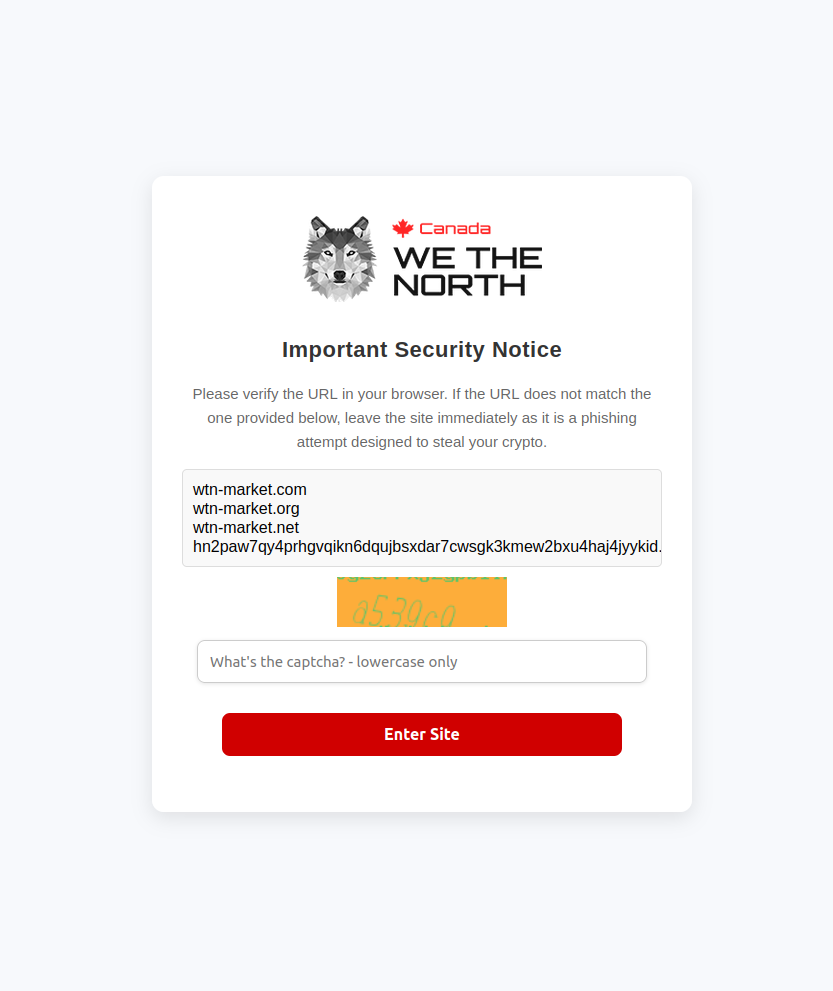
After login, the interface shows product categories on the left, listings in the center, and account controls top-right. The product listings display vendor usernames, ratings, and prices in BTC and XMR. The design is functional rather than polished — don't expect a modern e-commerce aesthetic. If what you see looks dramatically different from this description, you may be on a phishing clone. Close the tab immediately.
Load times and connection quality
Expect 10 to 30 seconds for initial page load. Tor routes your connection through three volunteer-operated relays — each relay adds latency. If the page doesn't load in 40 seconds, the circuit may be suboptimal. Press the New Circuit button (the padlock icon near the address bar) to request a fresh path through different relays. Don't refresh repeatedly — this doesn't improve your circuit and increases your request footprint.
If one .onion address times out, switch to the mirror. Both addresses route to the same platform, the same account, and the same escrow. Mirror links exist precisely for DDoS situations where the primary address becomes temporarily inaccessible. Keep both verified addresses bookmarked.
Chapter 04
Account setup & security
Registration walkthrough
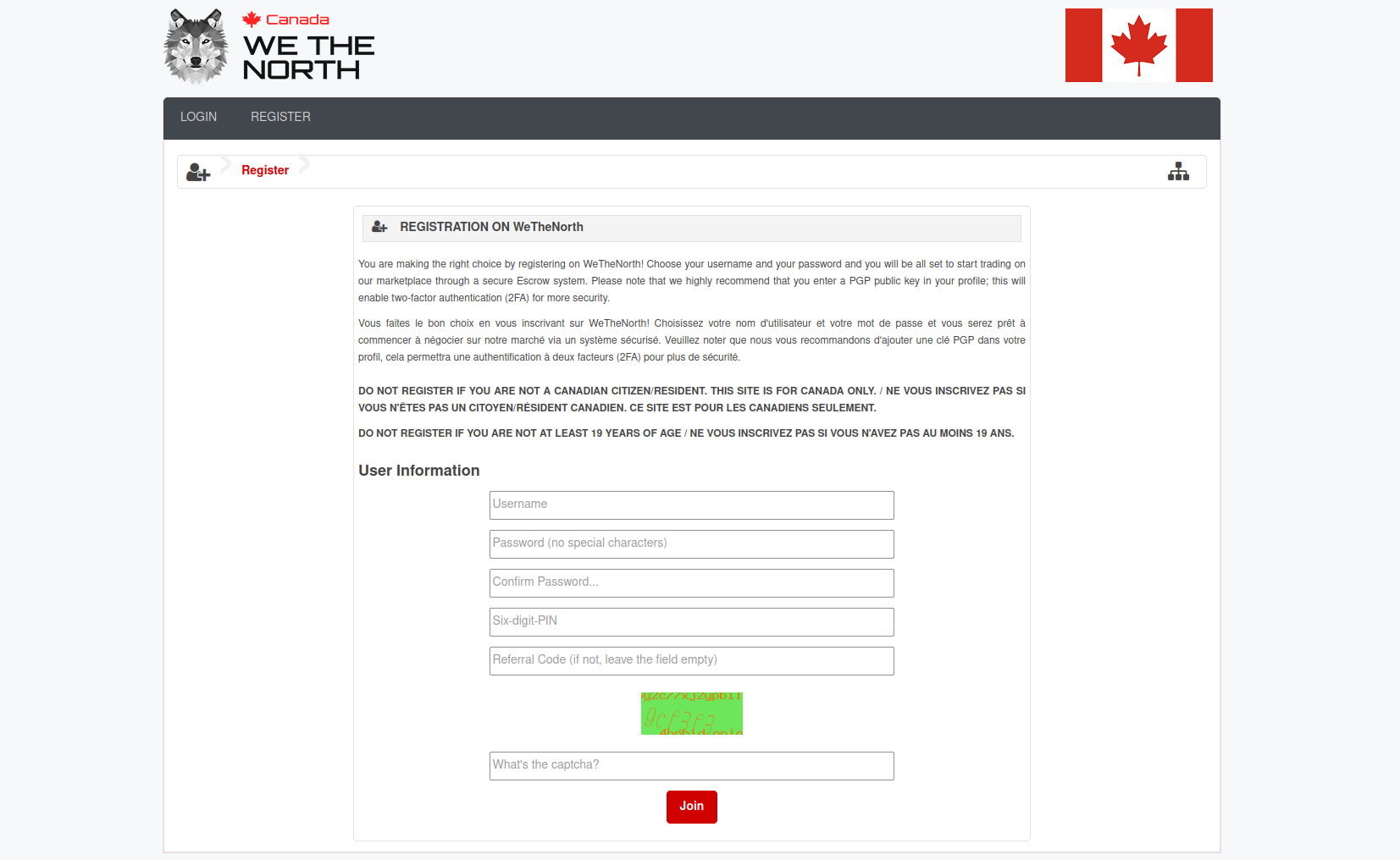
WeTheNorth registration requires an invitation code from an existing member. Look for invitation threads on Dread (the darknet forum accessible via its own .onion address) in WTN-related communities. Established members share invites with newcomers who demonstrate OPSEC basics. Be patient. Never pay for an invitation — anyone selling them is running a scam. Real invites are given, not sold, because the inviter's account reputation is tied to yours.
When you have an invitation code, navigate to the registration page. Choose a username that is not linked to any other identity you use anywhere — no variations of real names, no usernames from clearnet accounts. Choose a strong passphrase (use KeePassXC to generate and store it). Write nothing down on paper connected to any device you use for WTN sessions. Store the passphrase in KeePassXC on a device you control exclusively.
PGP key generation
WeTheNorth requires a PGP public key on your profile for vendor communications. Generate one before registration so you can upload it during the setup flow.
Install GnuPG from the official source. On Linux and macOS it's often pre-installed. On Windows, use Gpg4win. Then run:
gpg --full-generate-key
Choose RSA and RSA at 4096 bits. Set expiry to 2 years (you can extend it later). Enter a real-looking name (not your real name) and a working email address (use a Proton Mail alias or an address generated specifically for this purpose). Set a strong passphrase — this protects your key even if your device is compromised.
Export your public key:
gpg --armor --export your@email.address
Copy the output — everything from -----BEGIN PGP PUBLIC KEY BLOCK----- to -----END PGP PUBLIC KEY BLOCK----- — and paste it into your WTN profile's PGP field. Use this key for all communications with vendors: shipping addresses, order notes, dispute messages. Never send plaintext that contains your real address.
Two-factor authentication
WeTheNorth supports TOTP-based two-factor authentication. After account creation, navigate to security settings and enable 2FA. You'll receive a QR code. Scan it with a TOTP app — use one that stores seeds locally rather than syncing to a cloud account. Signal-adjacent security communities typically recommend Aegis Authenticator for Android. Store the backup codes in KeePassXC alongside your passphrase.
Enable 2FA before your first vendor interaction. After that, never disable it. The few seconds it adds to each login are worth it — account compromises on darknet markets typically happen through credential reuse, and 2FA stops most of these attacks cold.
Chapter 05
Payments on WTN
Monero — WTN's preferred currency
WeTheNorth accepts both BTC and XMR. Most experienced users prefer Monero for a clear reason: XMR transactions are private by default at the protocol level. Ring signatures, stealth addresses, and RingCT obscure sender, receiver, and amount in every transaction. No chain analysis firm has publicly broken Monero privacy. Bitcoin is a pseudonymous ledger — every transaction is permanently recorded and linkable with enough analysis.
In Canada, XMR can be acquired through peer-to-peer exchanges, some ATMs in major cities, or by converting BTC to XMR through non-custodial swap services like Cake Wallet or Feather Wallet. Feather Wallet is desktop-only and highly regarded by the security community. Cake Wallet runs on iOS and Android. Both are self-custody: your seed phrase stays on your device, not on a server.
After acquiring XMR, withdraw to your wallet immediately. Never leave funds on an exchange. Then deposit to WTN only what you plan to spend in the current session — the platform holds deposits in a centralized wallet, which carries counterparty risk.
Bitcoin on WTN
Bitcoin is easier to acquire in Canada — most major exchanges offer BTC, and Canadian Bitcoin ATMs are common in cities. If you're already holding BTC and want to use WTN immediately, you can deposit BTC directly. WTN escrow covers BTC transactions the same way it covers XMR.
The privacy tradeoff is real, though. If you purchase BTC on a Canadian exchange that has collected your ID, that BTC carries a trail from your verified identity to the exchange withdrawal address. With enough on-chain analysis, this trail can be followed. Converting BTC to XMR before depositing to WTN breaks this trail. Cake Wallet can perform this swap in-app via a partner service, non-custodially.
XMR vs BTC on WeTheNorth
| Factor |
Monero (XMR) |
Bitcoin (BTC) |
| Privacy by default |
Yes — protocol-level |
No — public ledger |
| Chain analysis resistance |
High (RingCT, stealth addresses) |
Low to moderate |
| Availability in Canada |
Moderate (P2P, ATMs, swaps) |
High (exchanges, ATMs) |
| Recommended wallet |
Feather Wallet, Cake Wallet |
Electrum, BlueWallet |
| WTN escrow support |
Yes |
Yes |
| Best for WTN users? |
Yes — preferred |
Acceptable with extra steps |
Chapter 06
Staying safe long-term
Operational security basics
Device hygiene matters more over time than on day one. Keep your Tor Browser updated — the Tor Project releases security patches regularly, and running an outdated version exposes you to known vulnerabilities. Never use Tor Browser on a device that also logs into social media, email, or any account connected to your real identity.
Separate devices are ideal. A cheap secondary laptop or a phone used only for WTN sessions creates a hard compartment. If a separate device isn't practical, at minimum use a separate browser profile in Tor Browser dedicated to WTN sessions. Tails OS runs from a USB drive and leaves no trace on the host machine — it's the most accessible high-security option for users without a dedicated device.
Don't discuss WTN activity on clearnet platforms. Don't screenshot the WTN interface on a device that syncs photos to cloud storage. Don't use the same username on WTN and anywhere else. These are basic rules that most OPSEC failures trace back to. Read Privacy Guides for a complete framework.
Escrow vs Finalize Early
Always use escrow. Never Finalize Early (FE). Escrow holds your payment until you confirm delivery. FE releases payment immediately, trusting the vendor to ship. Every exit scam in darknet market history involved FE — vendors accept FE orders, collect payment, and stop shipping. With escrow, the platform mediates disputes and can return funds if a vendor disappears mid-order.
WeTheNorth requires escrow by default and does not offer FE as a standard option. This is intentional — the platform's reputation depends on buyer protection. If a vendor ever asks you to FE outside the platform's normal flow, decline and report them. No legitimate vendor on WTN should be asking for FE. That request is almost always the first sign of trouble.
Legal awareness
This guide is informational. It describes how WeTheNorth is accessed and used. It does not constitute legal advice and cannot account for your specific jurisdiction or circumstances. Canadian law governs possession and trafficking of controlled substances — consult a criminal defense lawyer familiar with Canadian drug law if you have specific questions about your situation.
What this manual can say: law enforcement targeting of darknet markets in Canada has followed international precedents. Operational security reduces exposure. Domestic shipping within Canada faces less scrutiny than international imports. And WeTheNorth's invite-only, escrow-required model provides more buyer protection than open-registration markets. Beyond that, the legal landscape is yours to research and navigate. EFF publishes accessible guides to digital rights and privacy law.
This manual covers setup. For the verified .onion addresses you'll need to actually connect, see the links & mirrors page. For background on WeTheNorth as a platform — its history, features, and how it compares to other Canadian markets — see the platform overview.